
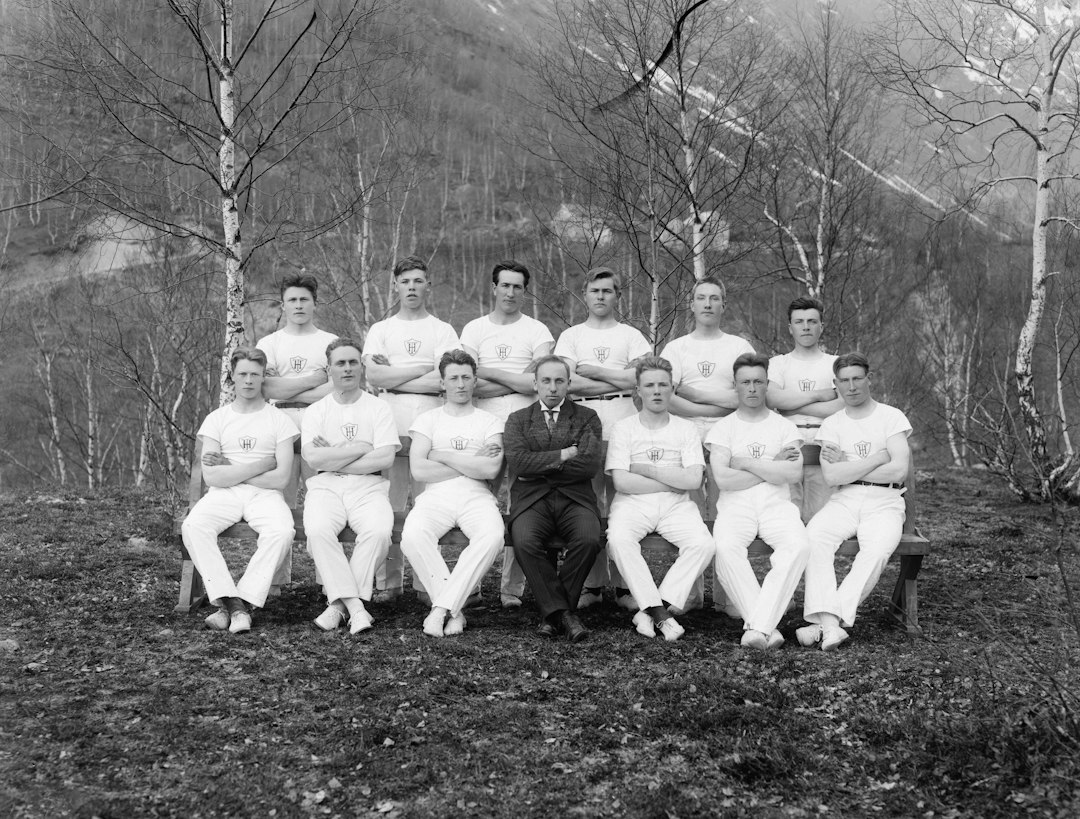
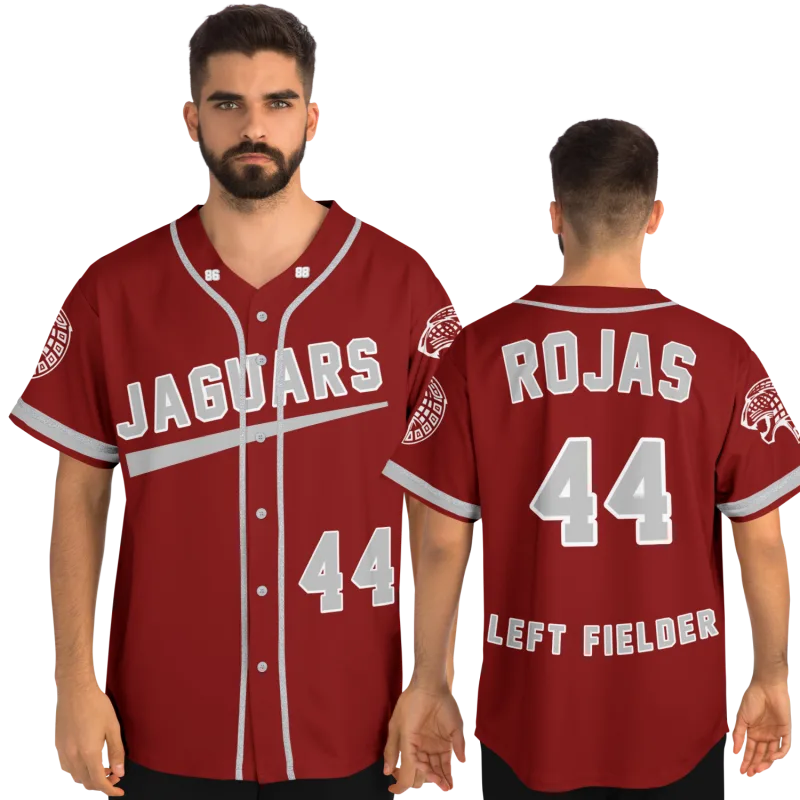
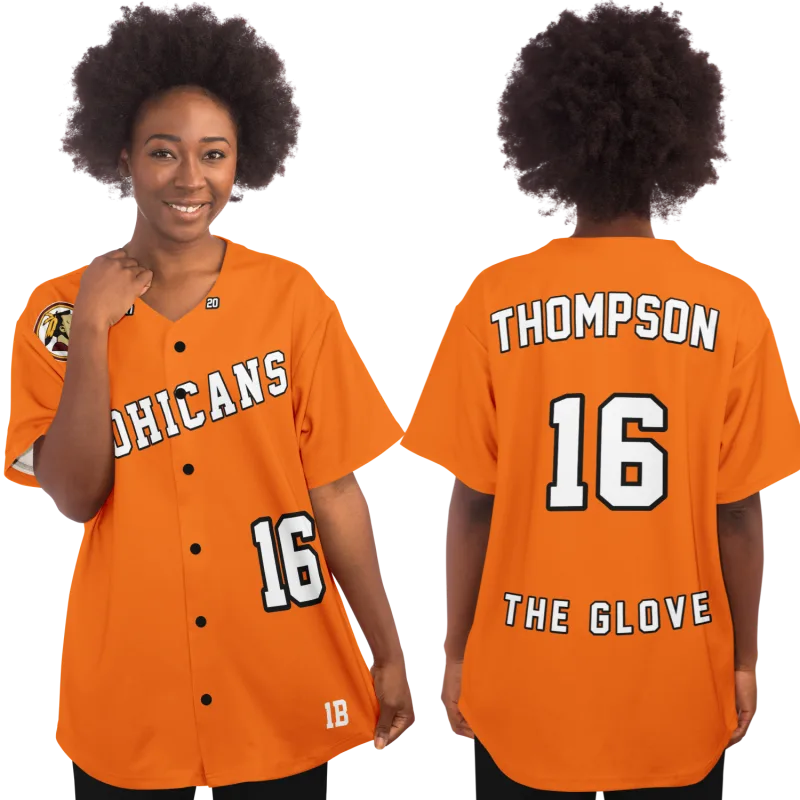
You're holding the yearbook. The team photo is on page 114, and your jersey is right there, small, grainy, and washed out by thirty years of sitting in a closet. You can see the number. You can almost see the color. You can't quite tell if the lettering was block or something with a curve to it. And now you want a custom design jersey that looks like the one you wore, not a close cousin of it.
Here's the problem nobody tells you about. Every jersey tool on the internet assumes you're designing from scratch: pick a template, pick a color, pick a font. None of them teach you what to do when your source material is a 1994 photograph. That's the gap this guide fills. By the end, you'll know how to pull the original colors, the lettering style, and the number font off a blurry yearbook photo, then carry them into a custom jersey creator with confidence. If you're after high school jersey design that feels true to your own season, this is the workflow.
A quick note: this article may lead to tools where we earn a commission if you design a jersey, at no extra cost to you.
Why Most Approaches to Rebuilding a Jersey Fail
The common approach goes like this: squint at the photo, decide the jersey was "kind of dark blue," pick the closest navy in a design tool, and hope. Then the jersey arrives and the blue is wrong, the lettering is too modern, and the number looks like it belongs to a different decade.
Three things go wrong, and they go wrong in the same order every time.
Color gets guessed from a screen, not from the photo's actual tonal range. A faded print shifts toward yellow or magenta depending on the ink used in that year's printing run. Your eyes adjust to the shift without telling you.
Lettering gets matched to a "similar" modern font. Sports lettering from the 1980s and 90s was often cut from twill and stitched on, which gave it specific proportions that screen fonts flatten out.
The number style gets ignored entirely. People obsess over the name and forget the number is what everyone remembers. A "23" in the wrong typeface reads as wrong from across a room.
The fix is a process. Treat the yearbook photo as evidence and work through it in order.
What You'll Need Before You Start
Gather these first. It takes ten minutes and prevents most of the frustration later.
- The best source image you can find. Not just the yearbook page. Check for a second photo of the same team: a sports section spread, a trophy case shot, a program, a newspaper clipping.
- A scanner or phone camera. A flatbed scan at 600 dpi beats any phone photo. If you only have a phone, shoot in daylight near a window, flat on a table, no flash.
- A free photo editor with a color picker (even your phone's built-in editor works) and a zoom function.
- A reference object, if you can find one. A school banner, a letterman jacket, a trophy ribbon, a pennant. Anything that shows the school colors in a better-preserved state.
One more thing worth doing now: ask someone. A former teammate, a coach, the athletic director's office. In our experience, a single text to an old teammate ("do you remember if the away jerseys were white or gray?") saves more time than an hour of pixel-peeping.
Step 1: Identify the Original Colors From a Faded Print
This is where most rebuilds are won or lost. A faded yearbook print lies to you in predictable ways, and once you know the patterns, you can correct for them.
Read the color relationships, not the absolute color
Open your scan and zoom in on the jersey itself. Ignore what the color looks like in isolation. Instead, ask how the colors relate to each other:
- Which is darkest? That's usually your primary body color, and dark colors fade less than light ones.
- Which is the trim? The stripe or piping color tells you the school's accent.
- What's the contrast between the two? If the trim barely stands out, one of them has probably faded toward the other.
Old color prints from the 1980s and 90s typically shift warm as the cyan layer fades first. The Library of Congress, which preserves historic photographic prints, notes that color photographs fade at different rates depending on their dye chemistry, so the shift in your yearbook is real and uneven, not just your imagination. A navy jersey in a faded print often looks black or charcoal. A royal blue can drift toward purple. A red can slide toward orange. If your "maroon" jersey looks brownish, remember that the true color is likely a shade cooler and deeper than what you see.
Use the school's other color evidence
Your best color reference often isn't the jersey photo at all. Look at:
- The school's current website and logo (colors rarely change completely, even when logos get redesigned)
- A pennant, banner, or letterman jacket from the same era
- The gym floor or wall paint in the background of your team photo, since schools tend to paint in school colors
Sample, then correct
Use your editor's color picker on the least-faded part of the jersey, usually the area under the arm or inside a fold where light hit less. Note the value. Then nudge it opposite to the fade: if the photo reads warm and washed out, move your chosen shade slightly cooler and more saturated.
Write down your best guess and a backup. When you reach the design stage, you'll compare both.
Step 2: Read the Lettering and Number Style Off a Scanned Photo
Color gets the jersey in the right neighborhood. Lettering and numbers make it feel like yours.
Figure out how the letters were made
Before you identify a font, identify the method. Look closely at the edges of the numbers in your scan:
- Sewn twill (stitched-on tackle twill): crisp edges, a faint outline where a second layer sits on top, often a visible border stitch. Common on 1970s–1990s uniforms.
- Screen-printed: slightly soft edges, flat color, no raised border. Common on lower-budget or later uniforms.
- Heat-pressed vinyl: very clean edges, sometimes slight shine in the photo.
This matters because sewn twill letters have specific proportions: heavier strokes, tighter curves, and a built-in outline that screen-based fonts don't capture. Knowing you're matching a twill style steers you to the right match.
Classify the style in four questions
Zoom to the largest, clearest number or letter you can find and answer these:
- Serif or no serif? Do the ends of strokes have small feet or flares?
- Block, rounded, or slanted? Are corners square, soft, or tilted forward?
- Single color or outlined? Count the layers. A white number with a gold outline reads very differently from a plain white number.
- Straight or curved baseline? Many classic jerseys arched the name across the shoulders in a slight curve.
Four answers narrow thousands of fonts to a short list. Most vintage school jerseys land in one of a handful of families: heavy block, collegiate block (with squared serifs), rounded block, or italic athletic script.
Find your font with a 1994 championship program
If you have a championship program, a ticket stub, or a newspaper clipping from the same season, treat it like a gold mine. Printed programs often used the same lettering style as the uniforms, and the type is usually larger and clearer than anything in the yearbook. Photograph or scan it, then compare letter shapes against your jersey photo. If the "R" and the "4" match, you've probably nailed it.
If you're still stuck, run the clearest crop of the lettering through a font-identification tool. Upload only the lettering, cropped tight and in high contrast. Treat the results as a shortlist, not a verdict, and compare each candidate against your photo at the same size.
Step 3: Build Your Custom Design Jersey in a Jersey Maker
With colors and lettering decisions in hand, you're ready to create a jersey that follows your evidence instead of your memory. A good custom jersey maker lets you set the primary color, trim color, number style, and name placement independently, which is what you need here. For school jersey design in particular, that independence is what lets you match a specific season.
Work in this order:
- Set the body and sleeve colors first using your corrected color values. Compare your best guess and your backup side by side.
- Add the trim and stripes in the accent color, matching their placement from the photo. Count the stripes. Note whether they sit on the sleeves, the hem, or the collar.
- Place the number and name last, matching style, size, and outline from Step 2. Leave the name off if the original didn't have one. Many older jerseys had a number only.
Then put your build next to the scan on a single screen and ask: if someone walked past the two, would they say "same jersey"? If not, check color first, then number style, then trim.
A Real Rebuild: Dana's 1996 Volleyball Jersey
Dana K., 46, played outside hitter for a small-town Ohio high school and wanted a jersey for her twenty-fifth reunion. All she had was a team photo in the yearbook, shot on a gym floor, with everyone in what looked like deep green.
Her first build was forest green, and it looked wrong next to the photo. She went back to the gym-floor background, where the school's wall mural was painted in a much brighter kelly green with gold, and realized the jersey print had darkened with age. She switched to kelly green with gold trim, matched the rounded number style she found in the volleyball program, and the second build looked like the one in her memory. Fifteen minutes of correction fixed what an hour of guessing hadn't.
Troubleshooting: When the Photo Won't Cooperate
Real source images are rarely clean. Here are the situations our team sees most often, and what to do about each.
The photo is black and white. Use the school's historical color scheme and any other color photos from adjacent years. Then use brightness to rank colors: the darker shade in grayscale is your primary color, the lighter your accent.
The jersey is half-hidden or the number is blocked. Find a second photo of the same team, such as an action shot or a sports page spread. If none exists, ask teammates. Someone almost always has a photo.
You can't tell whether it's a 3 or an 8. Check the roster. Yearbooks usually list numbers beside names. Cross-reference against any game program from that season.
The colors look different on your phone than your laptop. They do, since screens render color differently. Make your final color decisions on one screen, in the same lighting, and avoid mixing devices partway through.
Two shades both look right. Order the darker one. Faded photos make colors look lighter than they were, so when in doubt, go deeper.
Thinking About Pro and National Team Looks?
Some readers arrive here because their high school wore a uniform inspired by a pro or national team look: a pinstripe style borrowed from the Yankees, a silver-and-black scheme echoing the Spurs, a green-and-white design in the spirit of Mexico's national team kit. That's common, and it's worth stating the distinction plainly: a custom made sports jersey you design yourself is a tribute to your school's uniform, built from your own evidence. A licensed New York Yankees jersey, San Antonio Spurs jersey, or Mexico national team jersey is a different product, made and sold by the teams and their official partners, and we aren't affiliated with any of them.
What you can do is match the style your school borrowed. If your old team's pinstripes were inspired by a classic baseball look, you can reproduce the stripe spacing and number style in your own colors, with your own school's name and your own number. That's a custom jersey in the style of that era, not a licensed product, and the difference matters when you're explaining to a teammate why your reunion jersey says your school's name instead of a pro team's.
Common Mistakes That Make a Rebuild Feel "Off"
A few quick ones worth avoiding:
- Trusting memory over the photo. Memory edits. The photo doesn't.
- Picking a "close enough" font. The number is the most recognizable part of the jersey. Spend the extra ten minutes.
- Ignoring the fade correction. If your source is old, your first-pass color is almost certainly too light and too warm.
- Skipping the side-by-side check. Compare the build to the scan on one screen before ordering.
Four mistakes, all avoidable with the process above.
Your Jersey Is Still Out There Waiting.
Design yours in minutes and see your name and number exactly the way you remember it.
Frequently Asked Questions
What is a custom jersey?
A custom jersey is a jersey built to your own specifications: your colors, your number, your name, your lettering style, and your trim. Instead of choosing from fixed team designs, you set each element yourself, which makes it the right choice for rebuilding a high school or club uniform that no store sells.
How do I design a jersey from an old photo?
Start with the best source image you can find, then work in order: correct the colors for fading, identify the lettering method and style, and build the design element by element while comparing it side by side with the original. The three-step workflow above covers each stage in detail.
Can I build a jersey if the yearbook photo is black and white?
Yes. Use the school's documented color history, a pennant or banner from the same era, or color photos from nearby years. In grayscale, the darker shade is almost always your primary body color and the lighter shade your accent. Confirm with an old teammate if you can.
What if I can't identify the font from a blurry photo?
Crop the clearest letter or number you have, increase the contrast, and run it through a font-identification tool for a shortlist. Then compare each candidate to your photo at the same size. A championship program or game ticket from the same season often shows the same lettering style in a much clearer form.
Why do old photo colors look different from the real jersey?
Color prints from the 1980s and 90s fade unevenly. Cyan layers tend to degrade first, which pushes images warm: navy drifts toward black, royal blue toward purple, red toward orange. Correct for this by choosing a slightly cooler, deeper, more saturated shade than what the photo shows.
Is a custom jersey the same as a licensed team jersey?
No. A custom jersey is one you design yourself, typically a tribute to your own school or club uniform. Licensed team jerseys, such as those of pro teams or national squads, are produced and sold by the teams and their official partners. We are not affiliated with any pro team, league, or national federation.
See also: custom softball jerseys | jersey size chart | what to do with your old varsity letter jacket | why high school sports gifts mean more than you think | personalized sports gifts feel different from generic ones